Easy Duplicate Finder
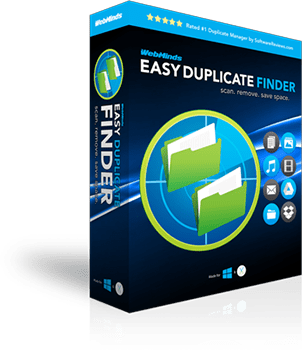
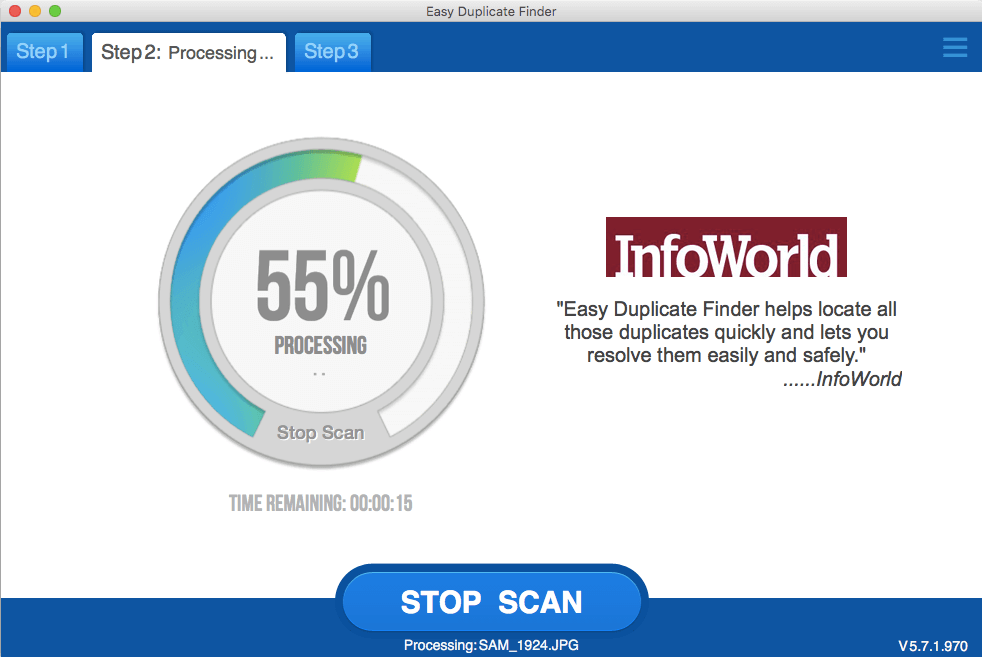
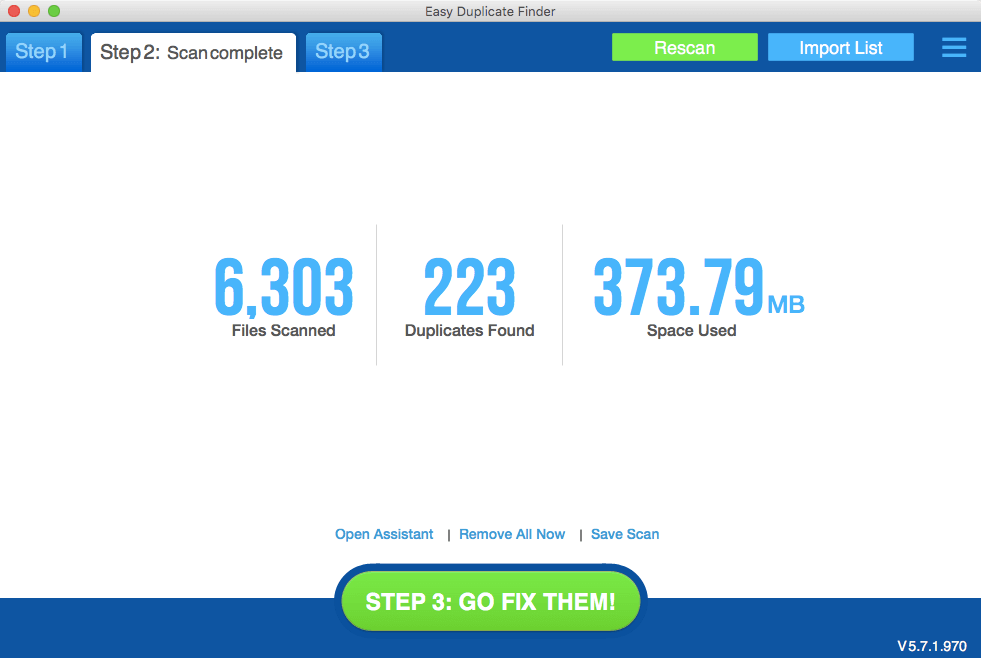
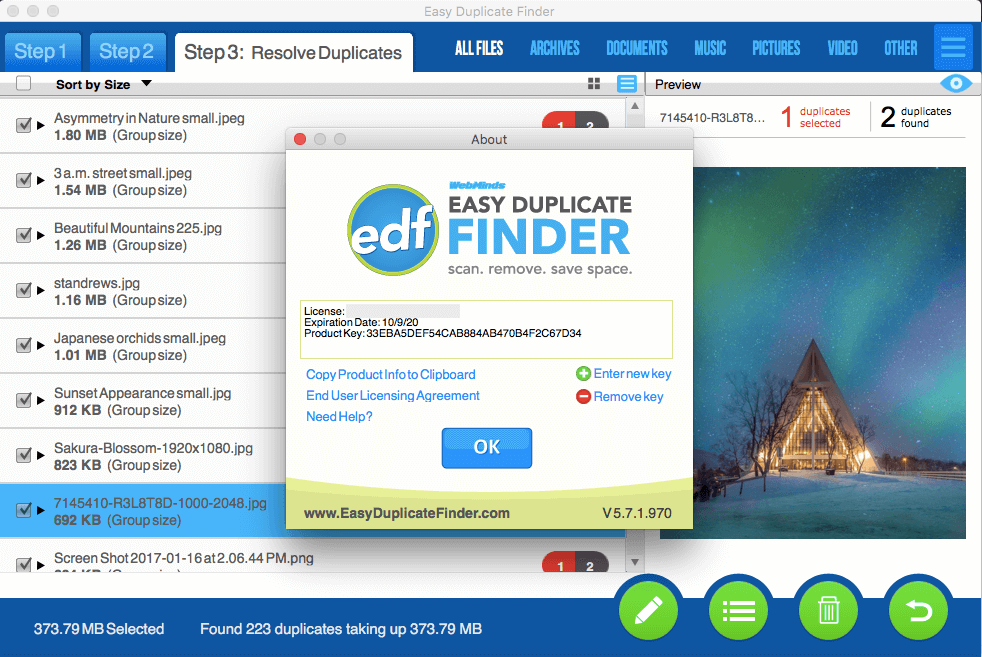
FIND DUPLICATE FILES INSTANTLY with Easy Duplicate Finder. It is the fastest and the most accurate program of its kind. It will instantly scan your computer for duplicate files and display them in an easy to understand report. You will then be able to delete unwanted duplicate files with the help of advanced built-in tools.
Easy Duplicate Finder is a powerful tool to find and remove duplicate photos, documents, spreadsheets, MP3's, and more! Removing duplicates will also help you speed up indexing and reduces back up size and time. Your computer isn't fully optimized until you've removed all unnecessary duplicate files. Let Easy Duplicate Finder do the job and enjoy a duplicate-free computer!
Features & Benefits
-
- Search for True Duplicates (files with the same contents)
- Powerful search engine with fast file check
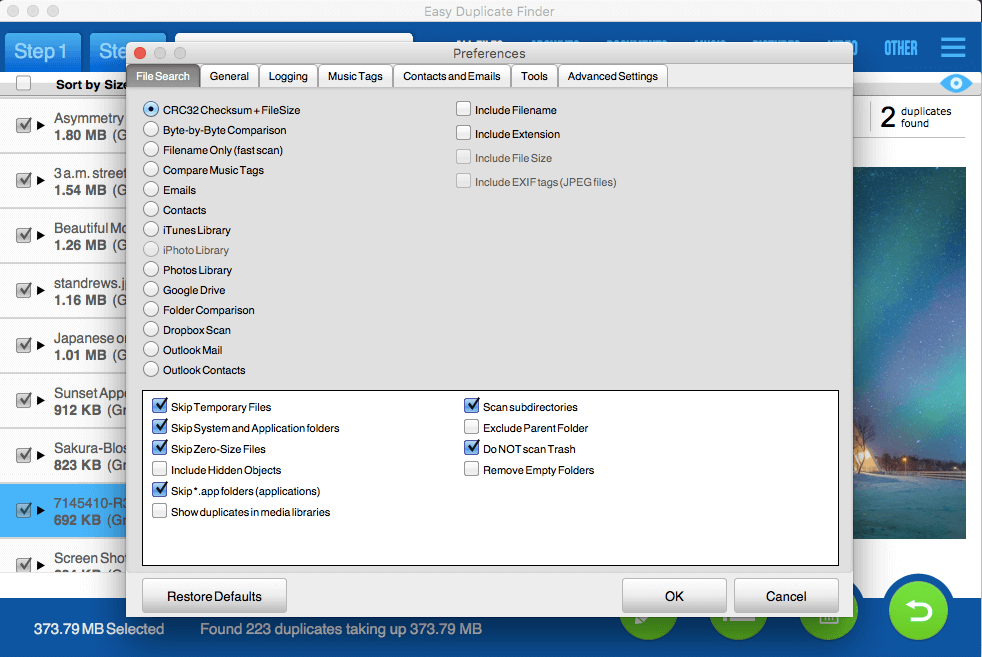
- Full binary (byte-by-byte) comparison
- Cyclic Redundancy Check (CRC32), with File Size
- Ultra Fast filename only scan option
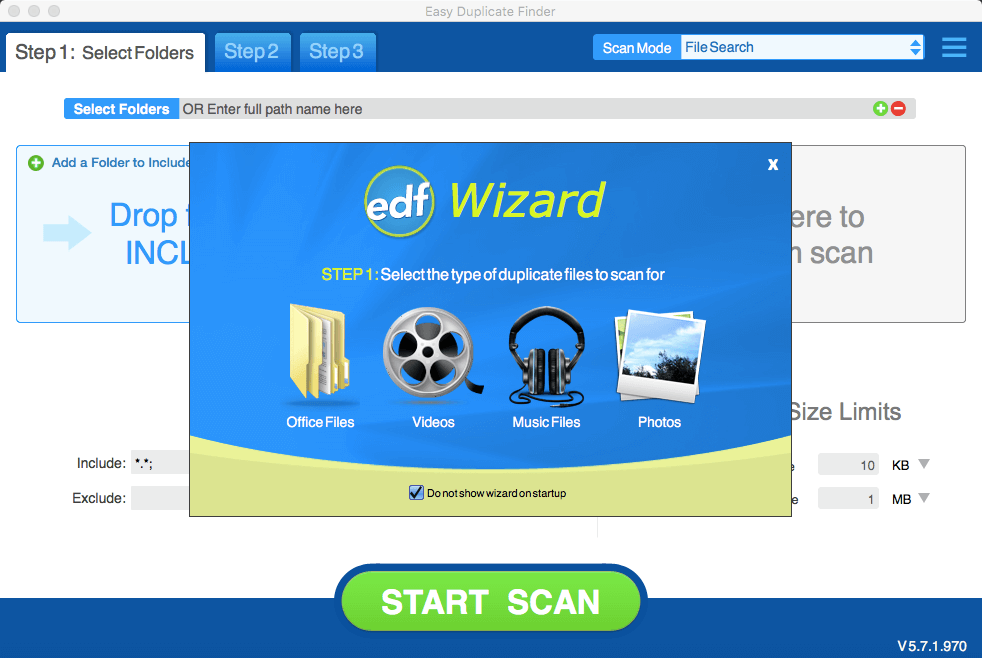
- Search for Duplicate Songs (ID3 Tag Comparison)
- Scan your computer for duplicate music
- Compare by: Song Title, Artist, Album, and more!
- Flexible File Scan Settings
- Search files by predefined or custom masks
- Size conditions & skip zero-length files option
- Bypass compressed files and recycle bin option
- Scan Multiple Sources and Devices
- Add multiple folders / drives for scanning - anything with a drive letter
- Search external devices, such as MP3 players, USB drives, Digital Cameras
- Save scan results to a file and re-import later for further analysis
- Safety and Protection
- Protect critical system files and folders
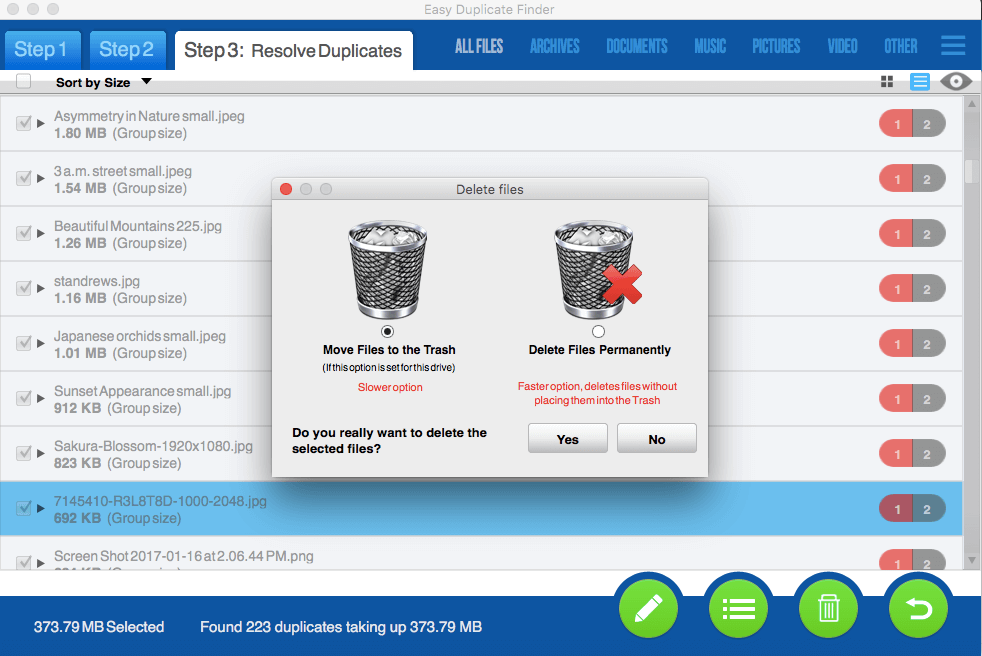
- Move files to Recycle Bin or delete duplicate files permanently
- Easily rename selected duplicates to test which files are safe to delete
- Convenient User Interface
- Designed for the Microsoft Windows environment
- Object-oriented design, compliant with full drag and drop support
- Save program state on exit and re-entrance
- Flexible layout, choose your column headings
- Horizontal line file marking for fast file selection
-
- Duplicate File Management - remove only unnecessary duplicates
- Select files for deletion manually or use flexible Auto Selection options
- Rename duplicate files with prefix/postfix
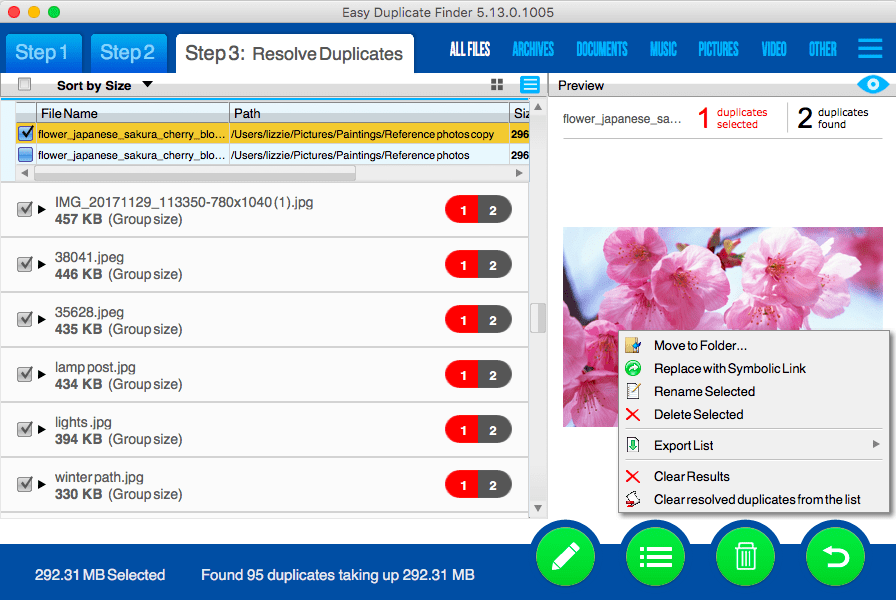
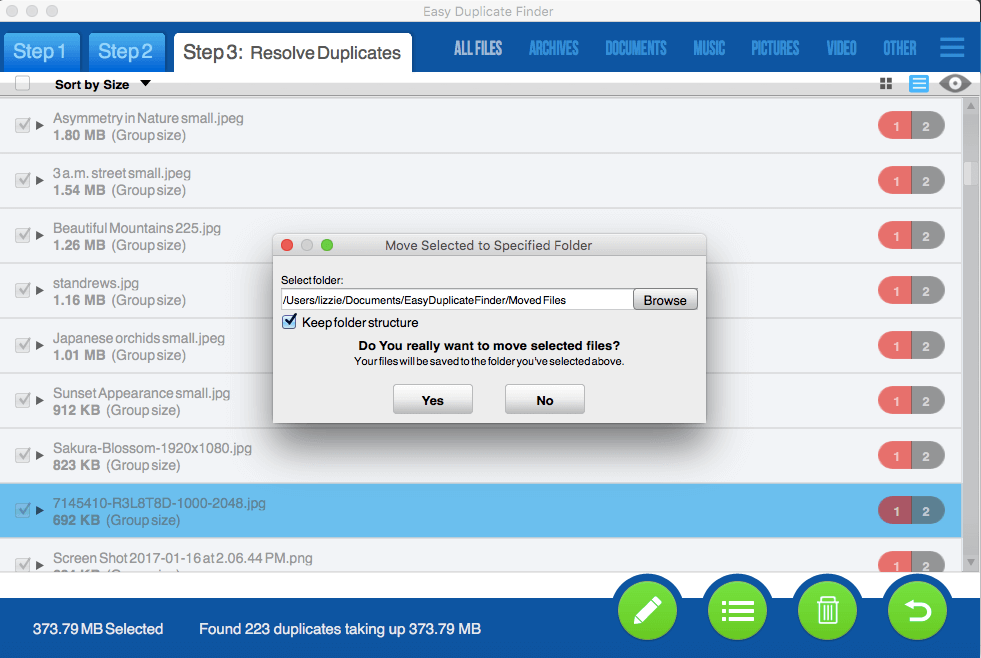
- Move duplicate files to folder
- Open folder containing selected file
- Show file properties
- Open file with associated program
- Duplicates Report Export
- Generate a fully-linked HTML report
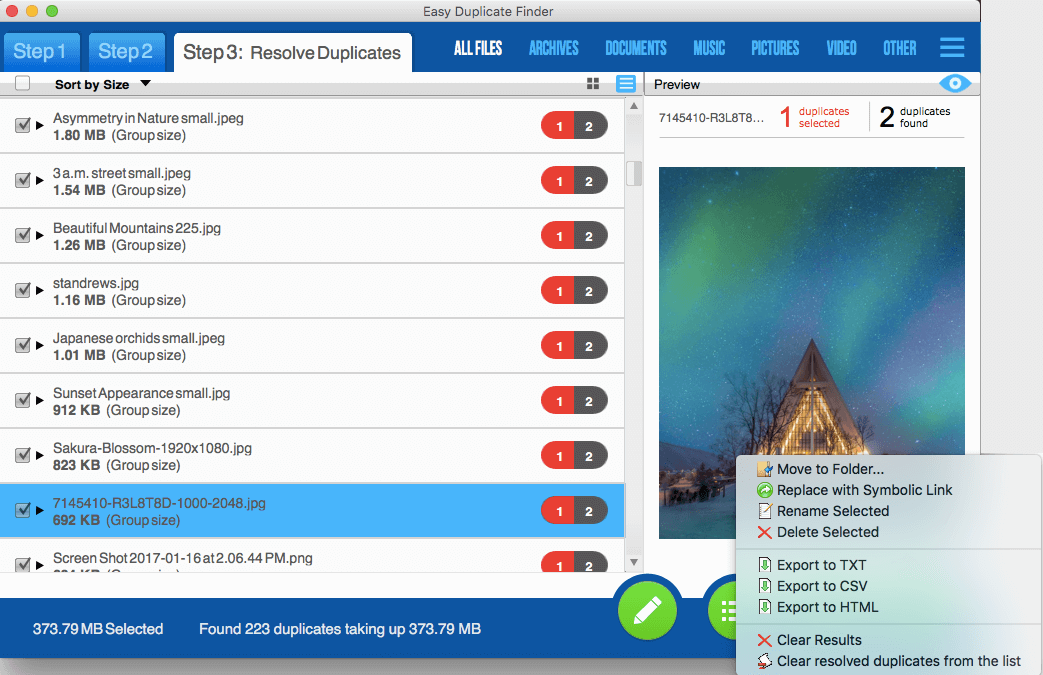
- Export duplicates report to a TXT file
- Export the duplicate files report to Excel in CSV format
- Logging and Log Events
- Automatically log all scans and actions to an external file
- Choose which events to monitor and which to ignore
- Full Unicode Support.
- Support for files in Chinese, Japanese, Arabian, Russian, etc
Click here to get a FREE scan now! Scan Now!
System Requirements
- OS: Windows 95/98/Me/2000/XP/Vista/Windows 7
- 32 bit or 64 bit
- CPU: 400 MHz or higher
- RAM: 128 MB or more
- Hard Drive: 5 MB of free space
![]()
Why Choose Easy Duplicate Finder? When it comes to choosing a duplicate file finder at the best value, we know that there are several choices. But no other product is more accurate or more reliable than Easy Duplicate Finder. Easy Duplicate Finder has been one of the most frequently downloaded duplicate file finder applications on the Internet. We believe it's because people have been so happy with the results that they've spread the word.
![]()
We've been producing diagnostic and system level software for over 20 years, and have established relationships with some of the largest computer manufacturers in the world. You can be confident in the quality of software we deliver to you.